

The Trade Counter™A BuiltAI product · Facilities & maintenance
Give your team one place torun the estate.
The Trade Counter brings procurement, operations, compliance, assets and reporting together around one shared CAFM record. BuiltAI workflows prepare scopes, RAMS and reports for your team to review and approve.
One shared CAFM record
Customer sign in Inspect the sample
 Saved product screen with sample figures and activity.Download the sector brochure (PDF · 36 pages · 15.3 MB)
- AI workflow library
- Growing
- shared CAFM record
- 1
- review-and-approve
- Governed
- to go live
- 3 wksTarget
02 / Where the BuiltAI workflows sit
Dispatch Desk runs inside The Trade Counter.
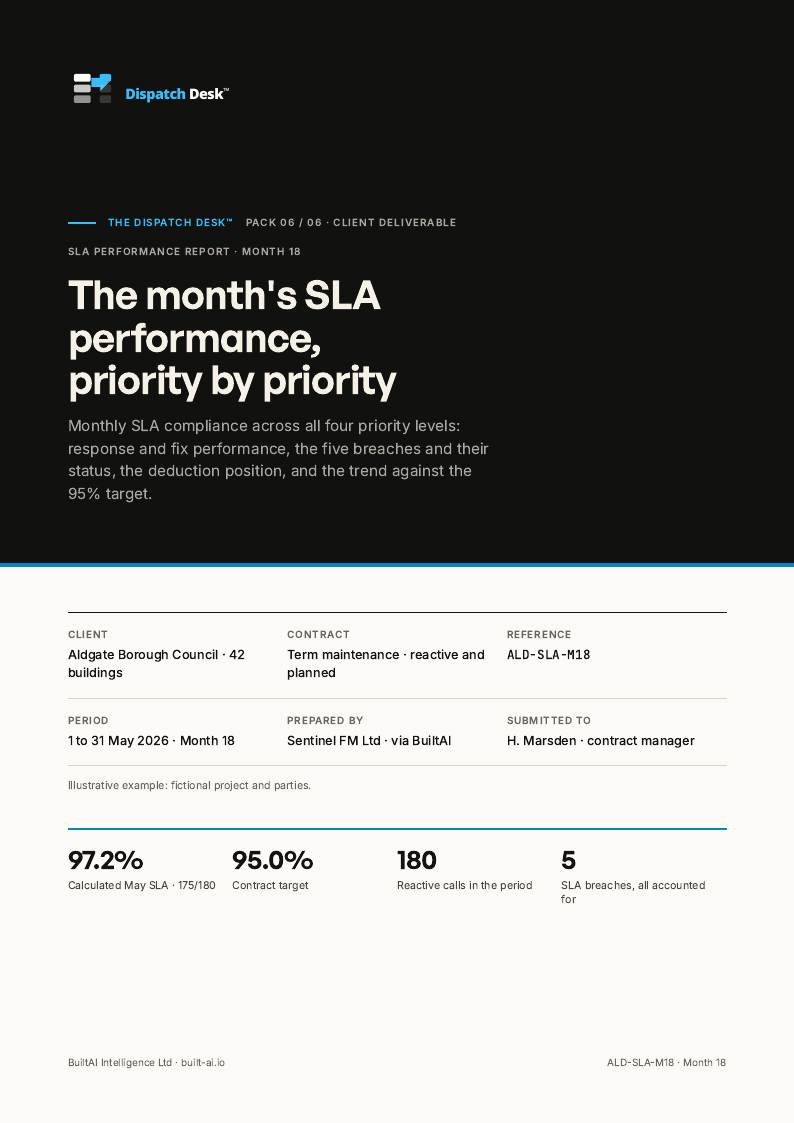
The desk captures the call, sets the priority, briefs the engineer and keeps the evidence, so the SLA report and the deductions defence follow from the record. Your helpdesk lead and contract manager approve each one.
Call in. A complete ticket and its evidence for review.
Six stages run in order from the first ring, each one a gate. Your helpdesk lead clears it before the ticket closes.
Your contract manager holds the line
Whether a ticket met its SLA, whether a deduction is owed and how to answer the client stay with your helpdesk lead and contract manager.
03 / Across the estate
A clearer view across your estate.
Bring supplier returns, reactive jobs, planned maintenance, compliance and asset information into one view, with reporting from the same record.
See how it fits together- ProcurementTake a scope out to approved suppliers, track every priced return, compare and appoint - all in the open.
- OperationsReactive jobs and PPM share one board. Drag a card to advance status and watch SLA risk live.
- ComplianceA live findings register, audit timeline, certifications and expiry tracking across the whole estate.
- AssetsEvery piece of equipment across your sites - filter, drill in, bulk-edit and import.
- AI Workflow StudioScopes, RAMS, risk assessments and reports, drafted from your live record and governed by review-and-approve.
- Reports & sustainabilityBoard packs auto-built from the live record, with carbon and ESG from the same data.
04 / Questions
Before we talk.
Three things people ask first. The 30-minute call covers the rest.
Does the Trade Counter replace our CAFM or sit alongside it?
The Trade Counter brings procurement, operations, compliance, assets and reporting together around one shared CAFM record. BuiltAI workflows draft from that shared record. Tell us how your team works today and we will discuss the areas you want to improve.
Who reviews AI-drafted RAMS and scopes before they are used?
Your people. Scopes, RAMS, risk assessments and reports are drafted from your live record and governed by review-and-approve, so a named person on your side checks each draft before it is used.
What does a pilot workspace involve?
A pilot workspace sets up the Trade Counter around one part of your operation, with your team reviewing what the workflows prepare. We discuss the areas you want to improve and whether a pilot workspace is a useful next step on a 30-minute call.
Your operation. Your next move.
Explore what the Trade Counter could make simpler.
Tell us how your team works today. We’ll discuss the areas you want to improve and whether a pilot workspace is a useful next step.