


Service desk · For helpdesk leads and contract managers
More service capacity. Clearer records. Stronger SLA evidence.
The desk captures the call, sets the priority, briefs the engineer and keeps the evidence, so the SLA report and the deductions defence follow from the record. Your helpdesk lead and contract manager approve each one.
The workflow
Call in. A complete ticket and its evidence for review.
Six stages run in order from the first ring, each one a gate. Your helpdesk lead clears it before the ticket closes.


Stage 4 of 6 · Dispatch
Engineer routing
Open the stage exampleStage 5 of 6 · Evidence
Diagnosis and completion
Open the stage exampleStage 6 of 6 · Defence
Performance and deductions
Open the stage exampleIntakeStage 1 of 6
Call capture and classify
The call is captured in full: site, asset, fault, access constraints and safety flags, classified as it is logged.
Helpdesk agent confirms the record
Open the stage exampleTriageStage 2 of 6
Priority and SLA
Priority set against the contract's P1 to P4 rules and the SLA clock started, with the escalation route named.
Helpdesk lead confirms the priority
Open the stage exampleBriefStage 3 of 6
Dispatch-ready ticket
A dispatch-ready ticket: what the engineer needs to know, carry and check before arriving, drafted from the record.
Helpdesk lead issues the ticket
Open the stage exampleDispatchStage 4 of 6
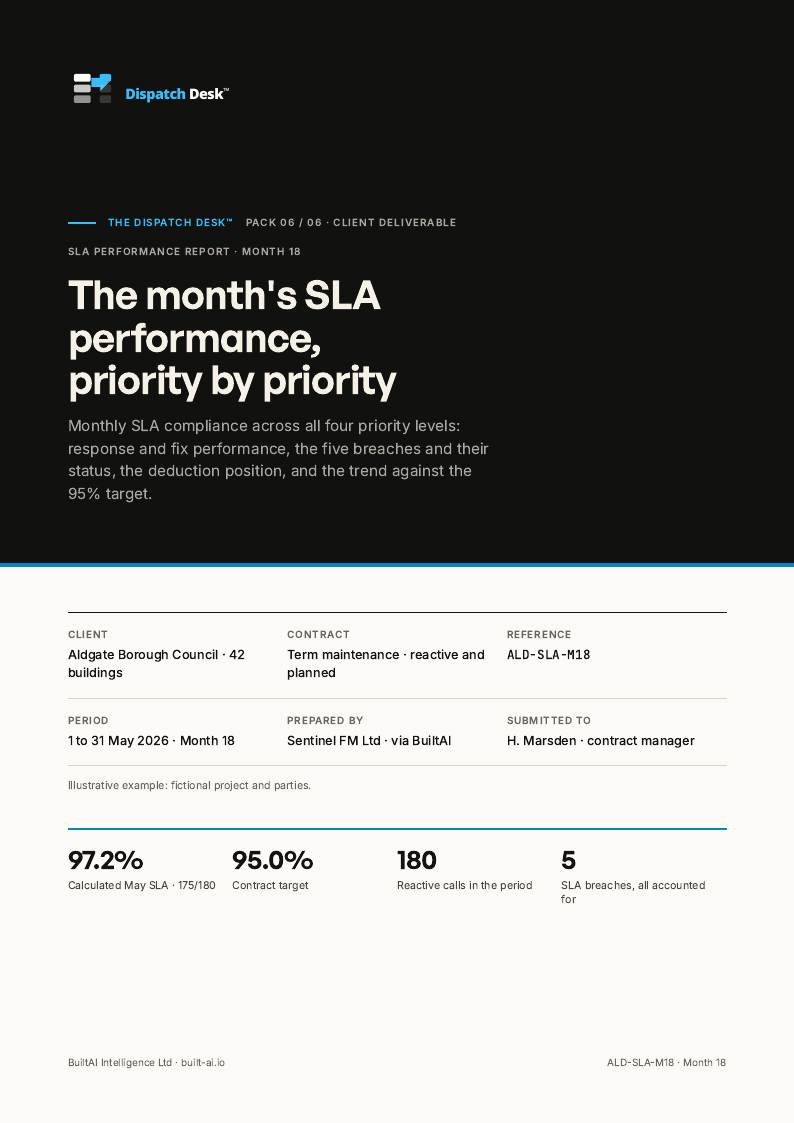
Engineer routing
The right engineer routed with the ticket, the arrival window and the site contact, tracked against the SLA.
Dispatcher confirms the allocation
Open the stage exampleEvidenceStage 5 of 6
Diagnosis and completion
Diagnosis, work done, parts, photographs and sign-on captured on the ticket while the engineer is still on site.
Engineer completes the record
Open the stage exampleDefenceStage 6 of 6
Performance and deductions
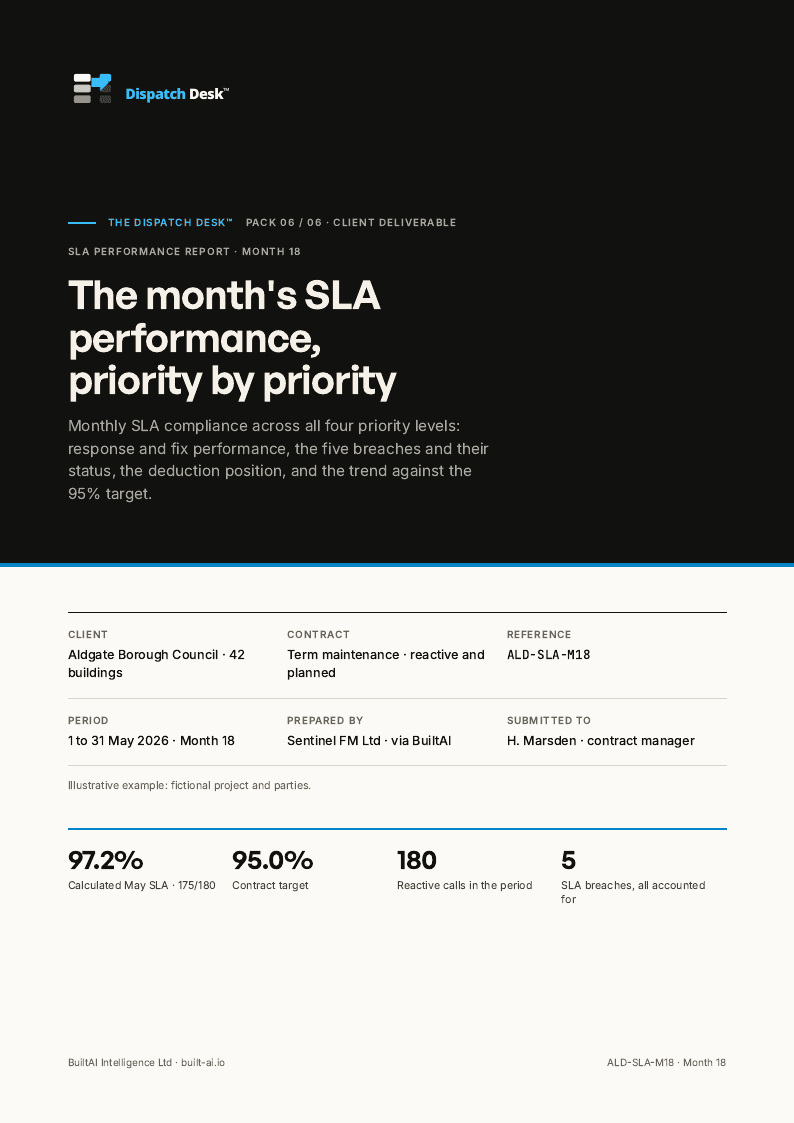
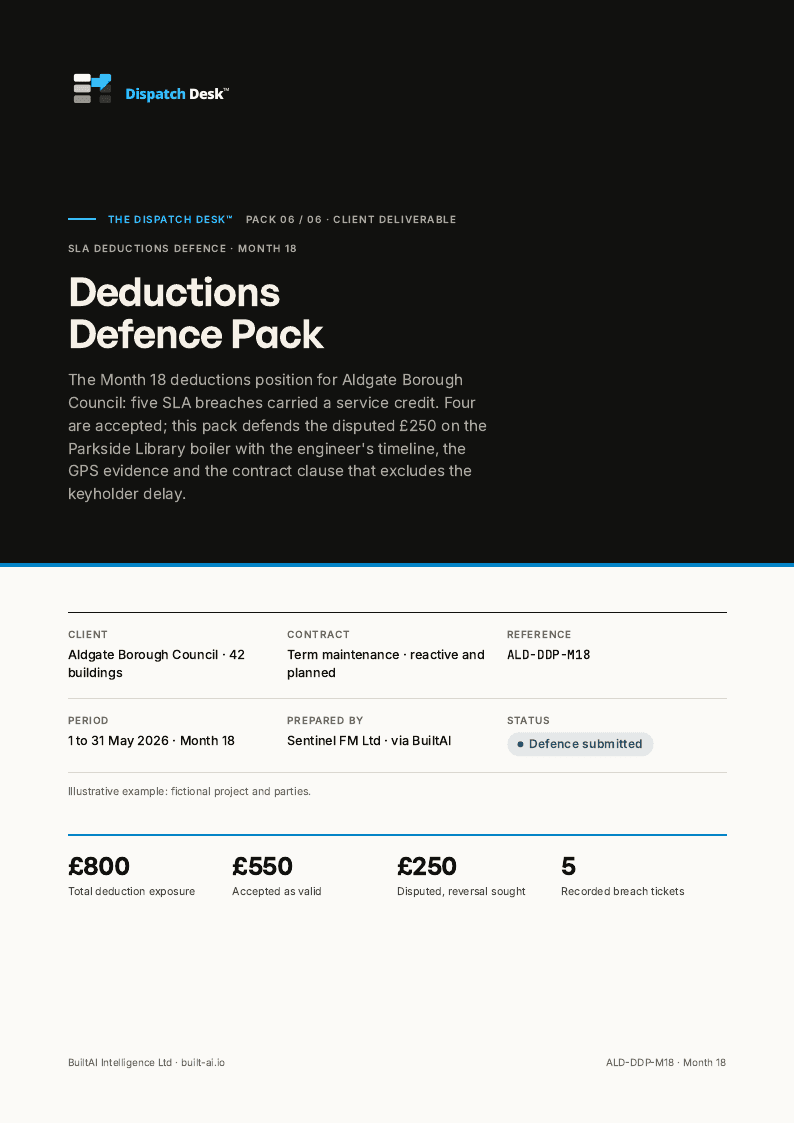
The SLA report and the deductions defence pack drafted from the ticket record, evidence attached.
Contract manager signs the report
Open the stage example
What comes back
Eight documents from the call log to the deductions defence, all on one ticket record.
The works order, the engineer ticket, the SLA report and the defence pack are drafted from the same call record, so the client reads one account of what happened.
- Stages
- 06
- Documents
- 08
- Review
- Named
Worked example on a fictional job.
The Dispatch Desk
Worked example · BAI-DD
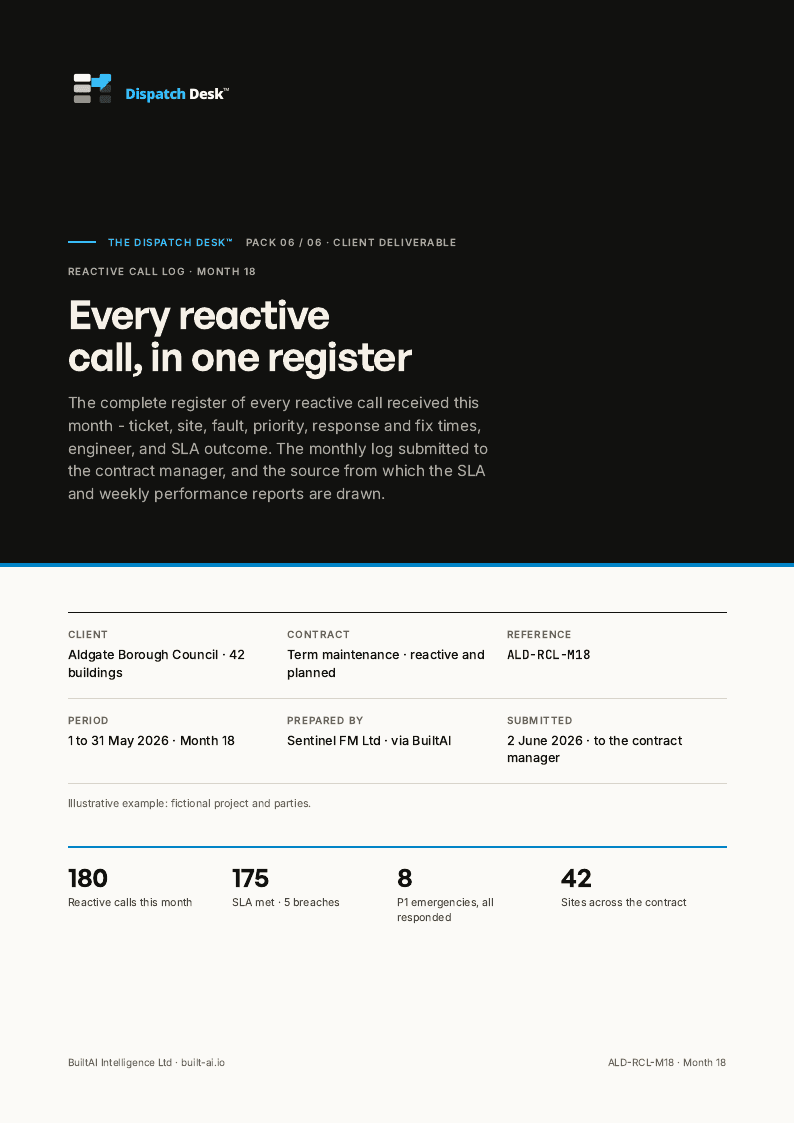
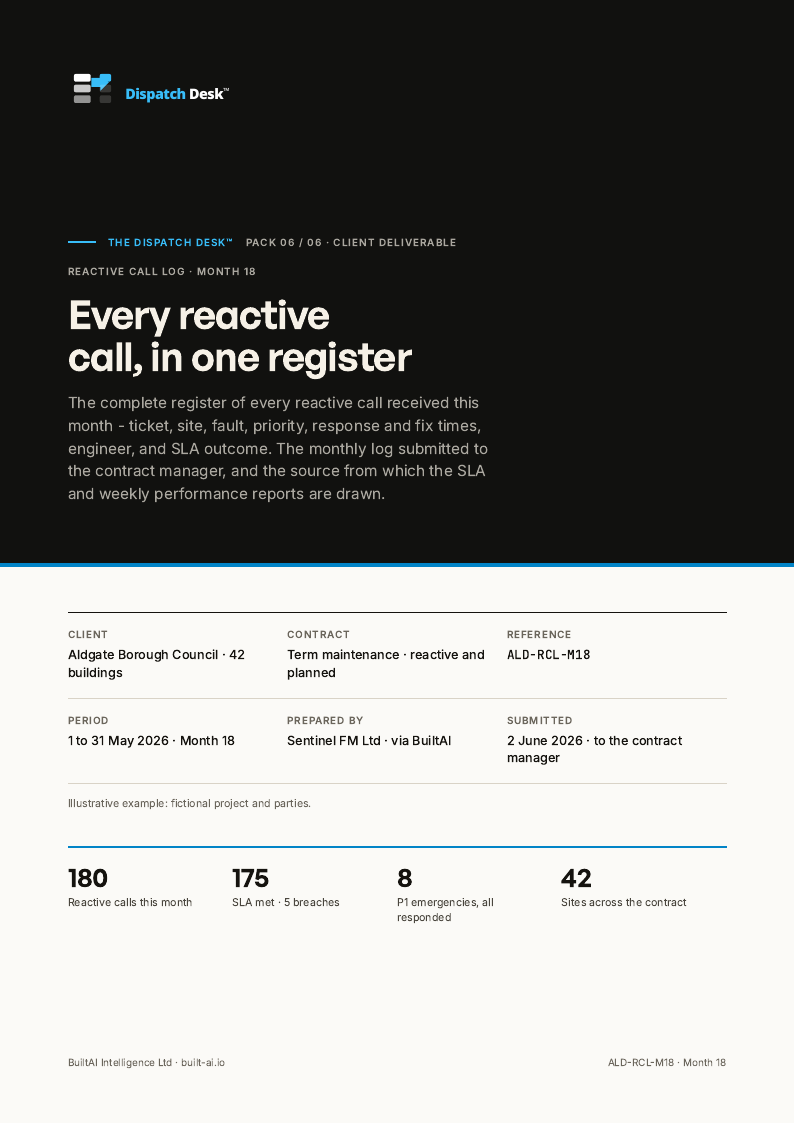
- Reactive call log3 pages
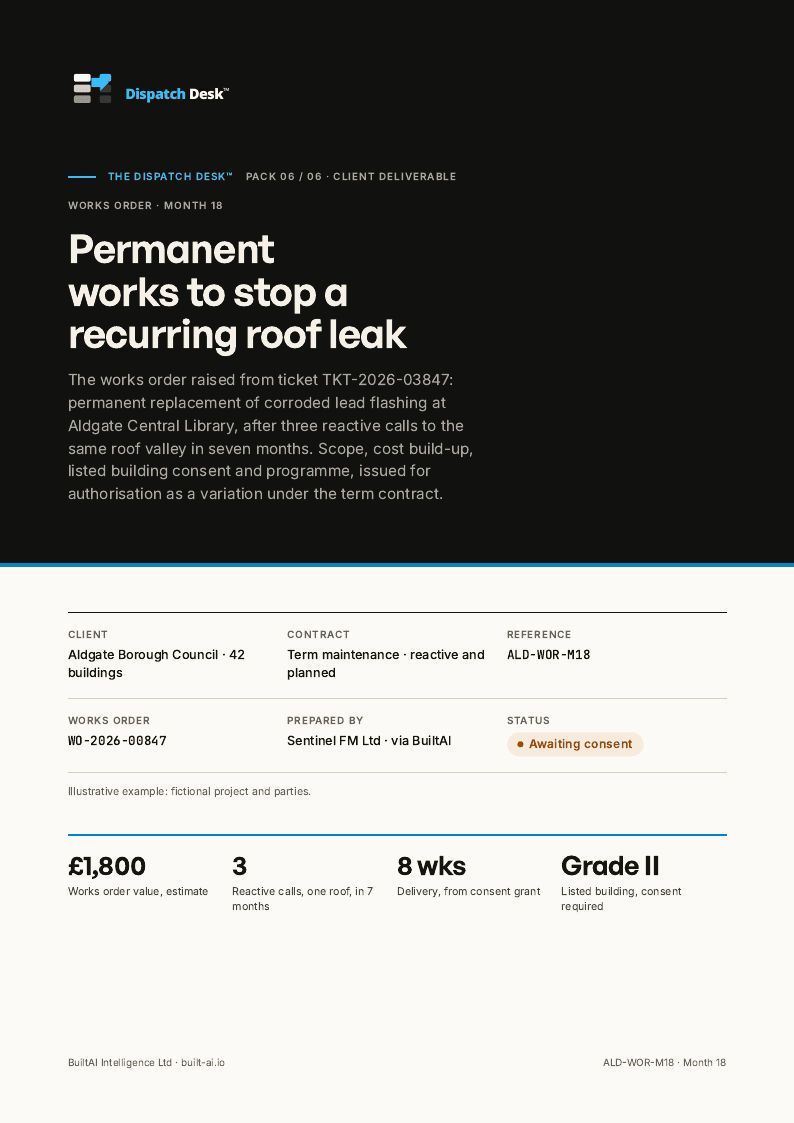
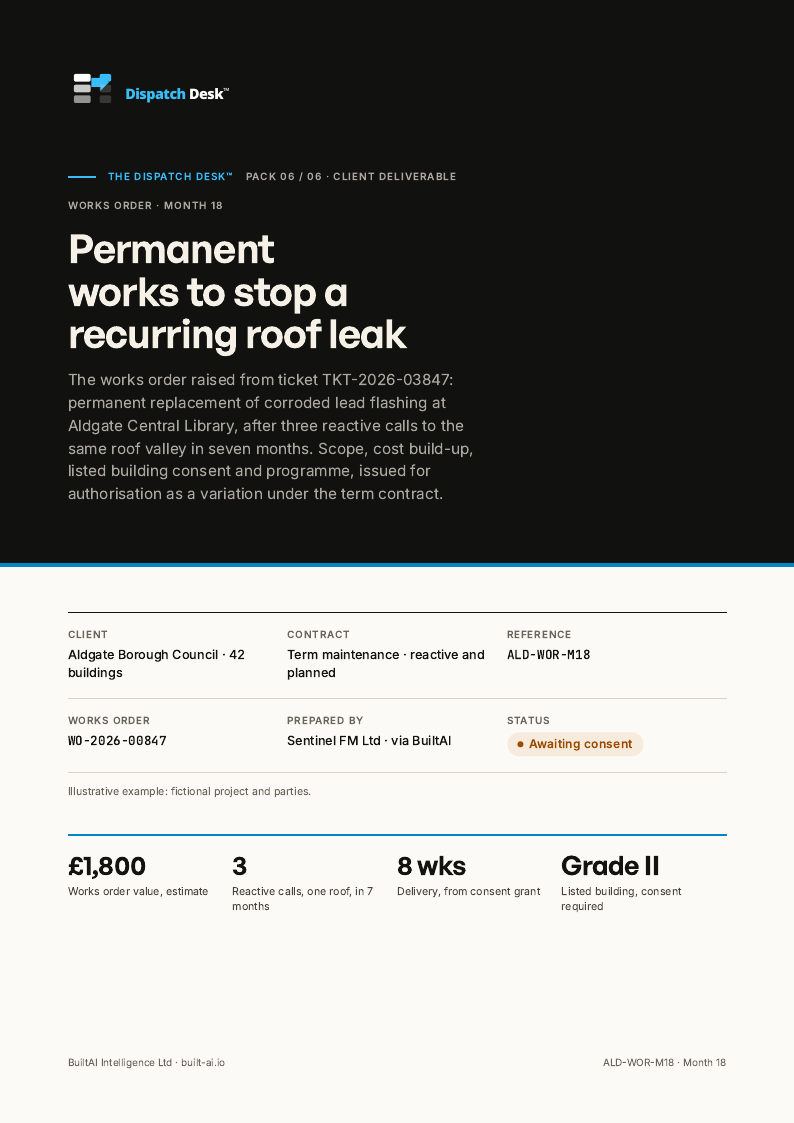
- Works order3 pages
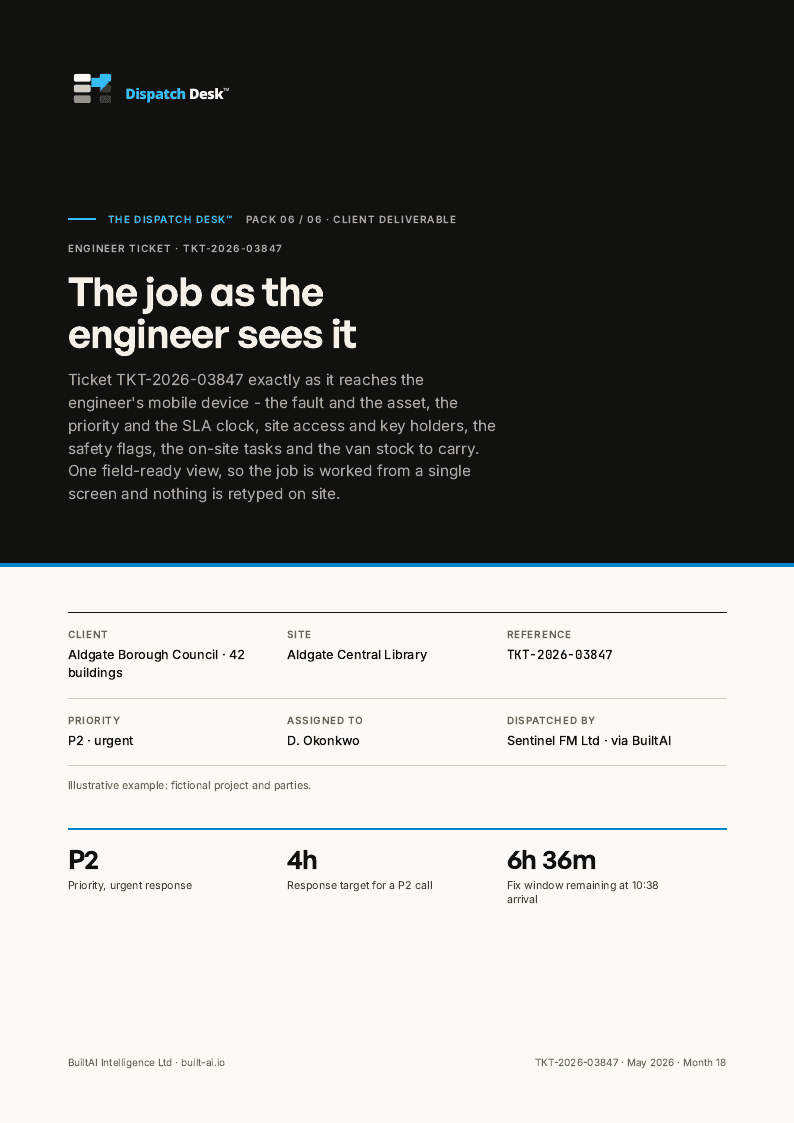
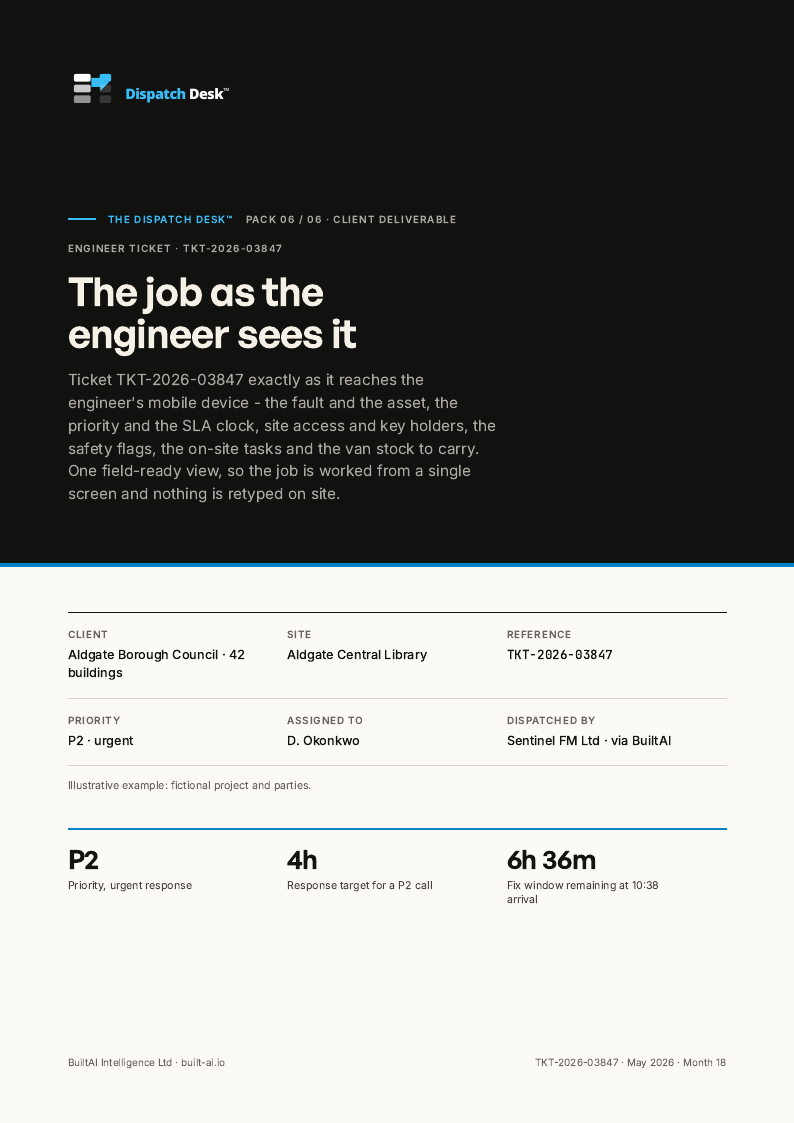
- Engineer ticket3 pages
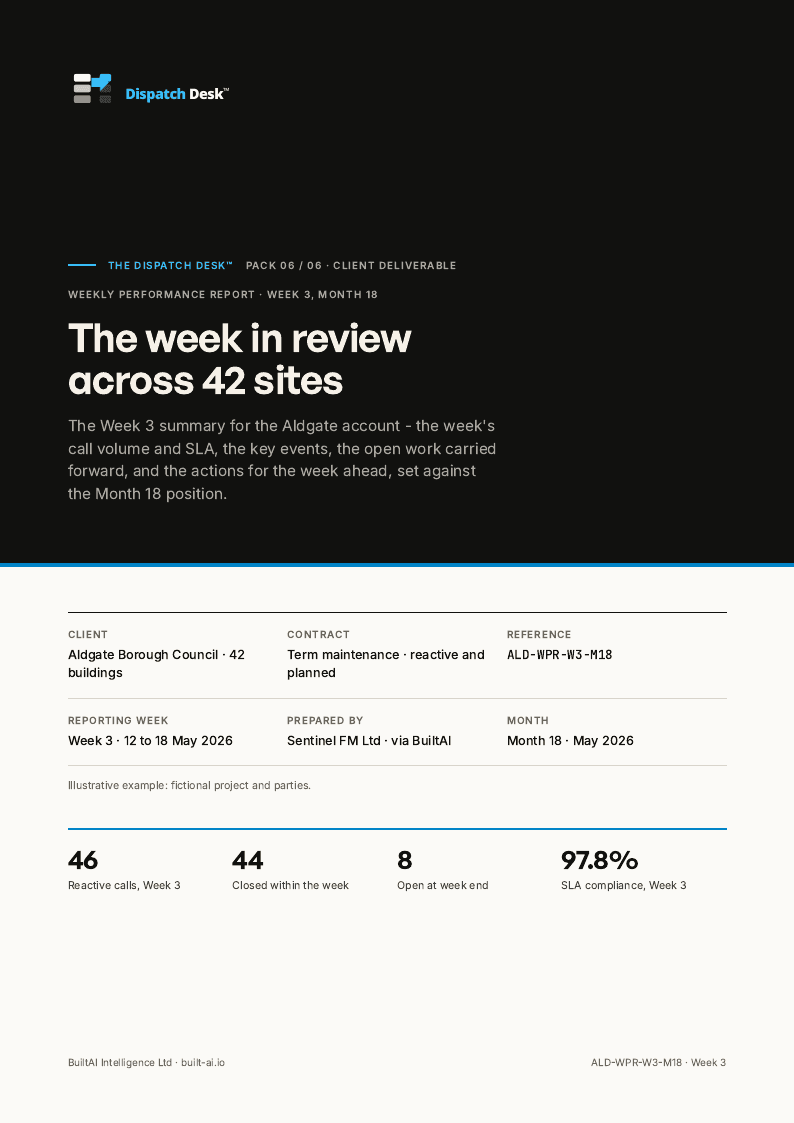
- SLA performance report4 pages
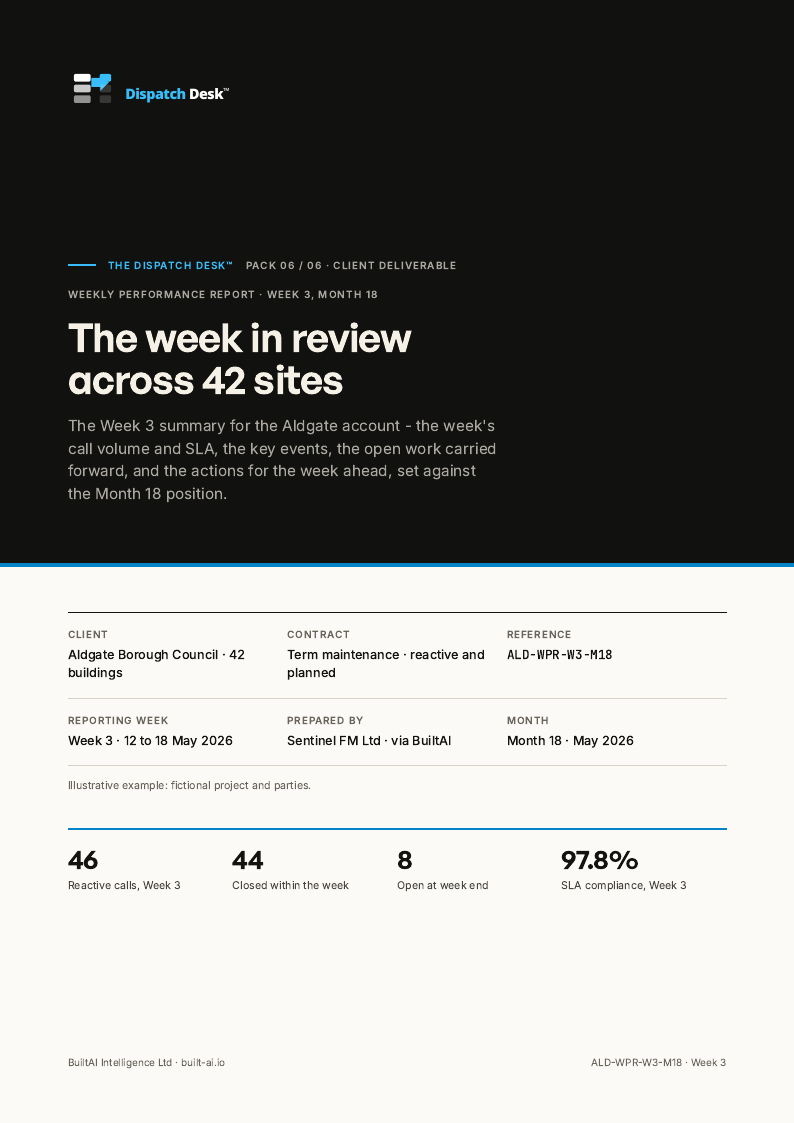
- Weekly performance report3 pages
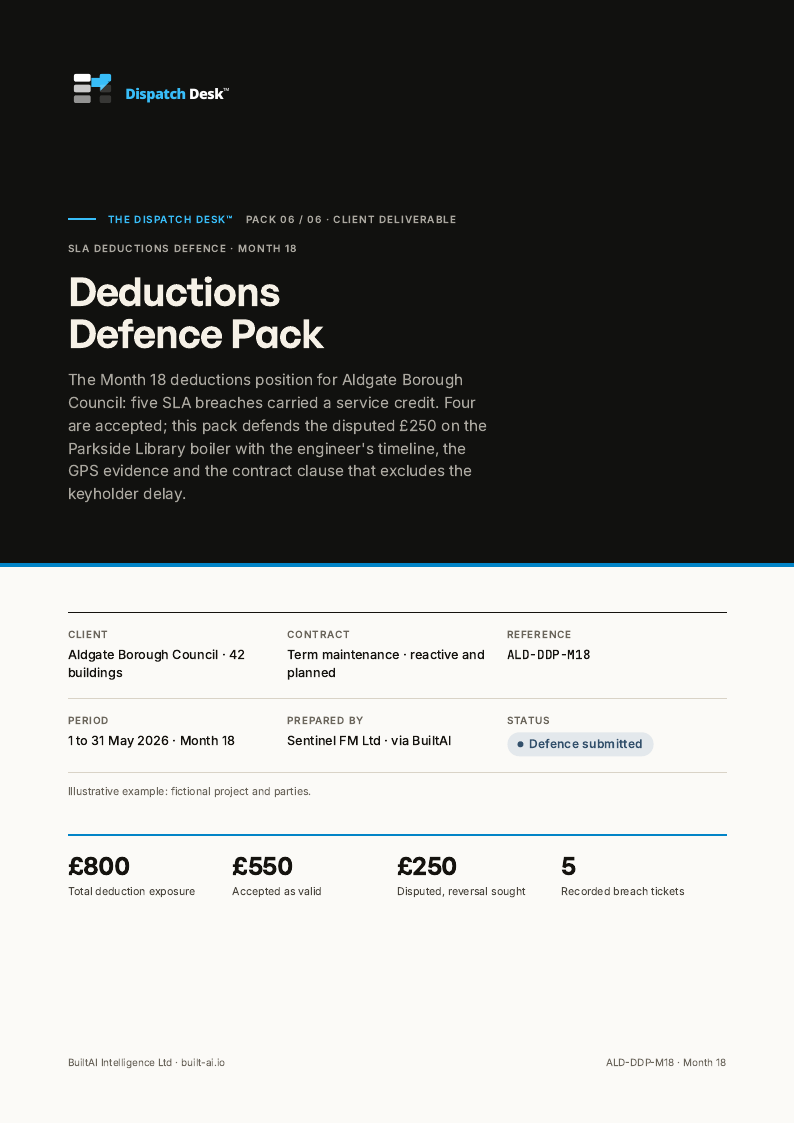
- Deductions defence pack3 pages
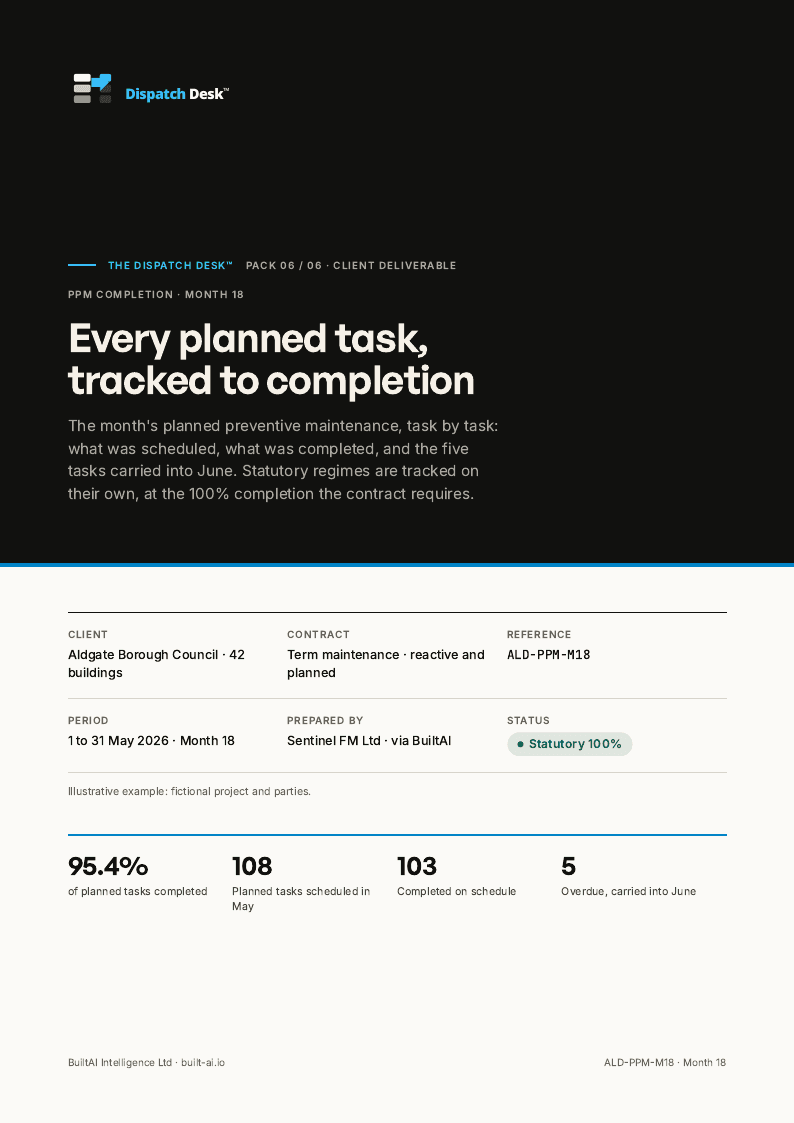
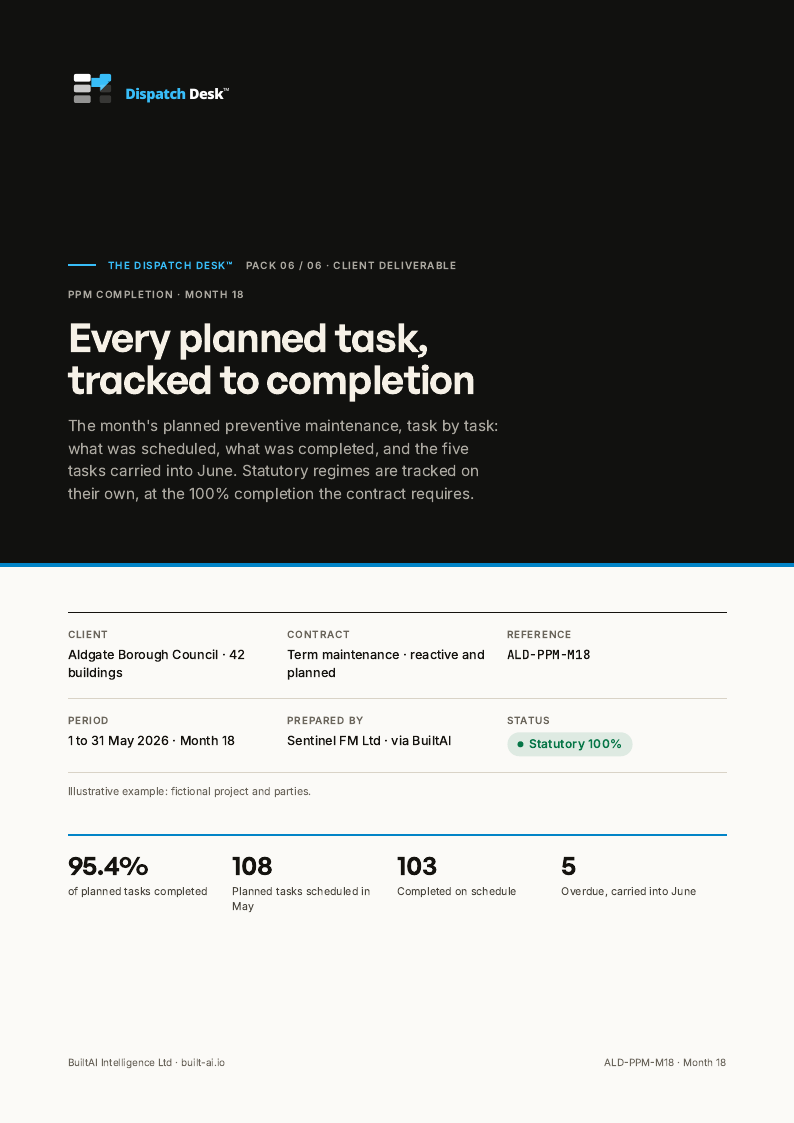
- PPM completion tracker3 pages
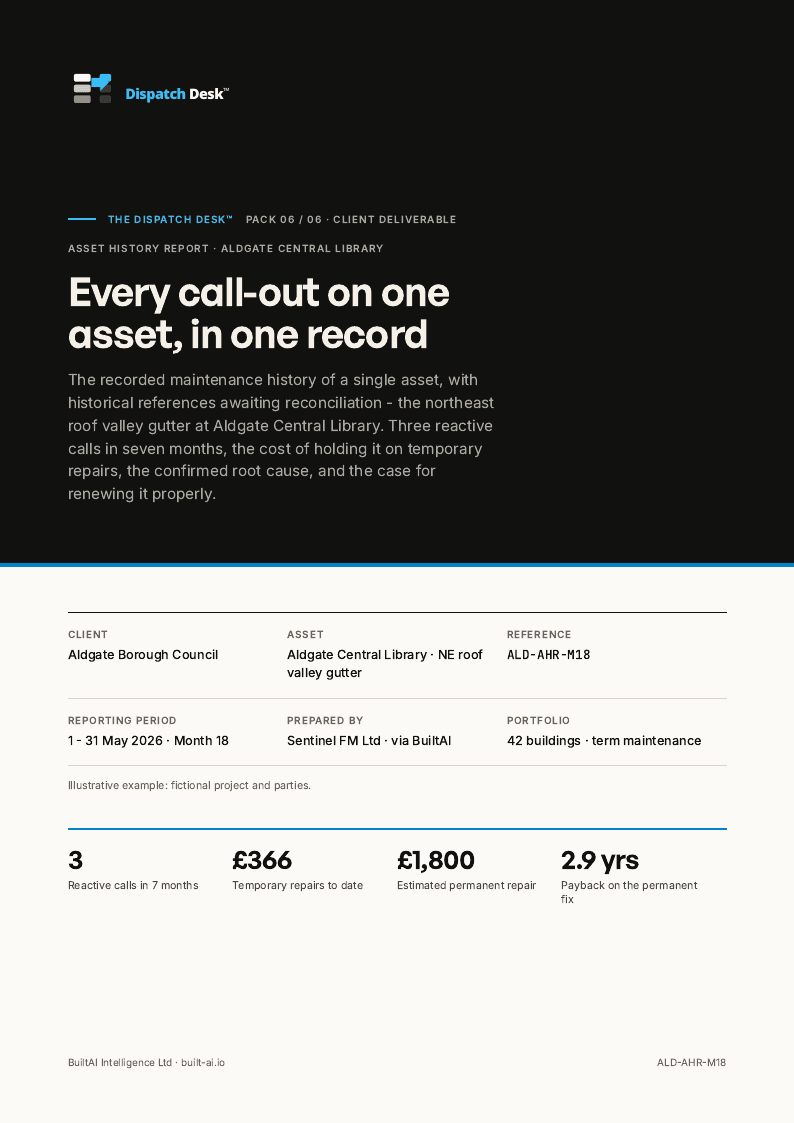
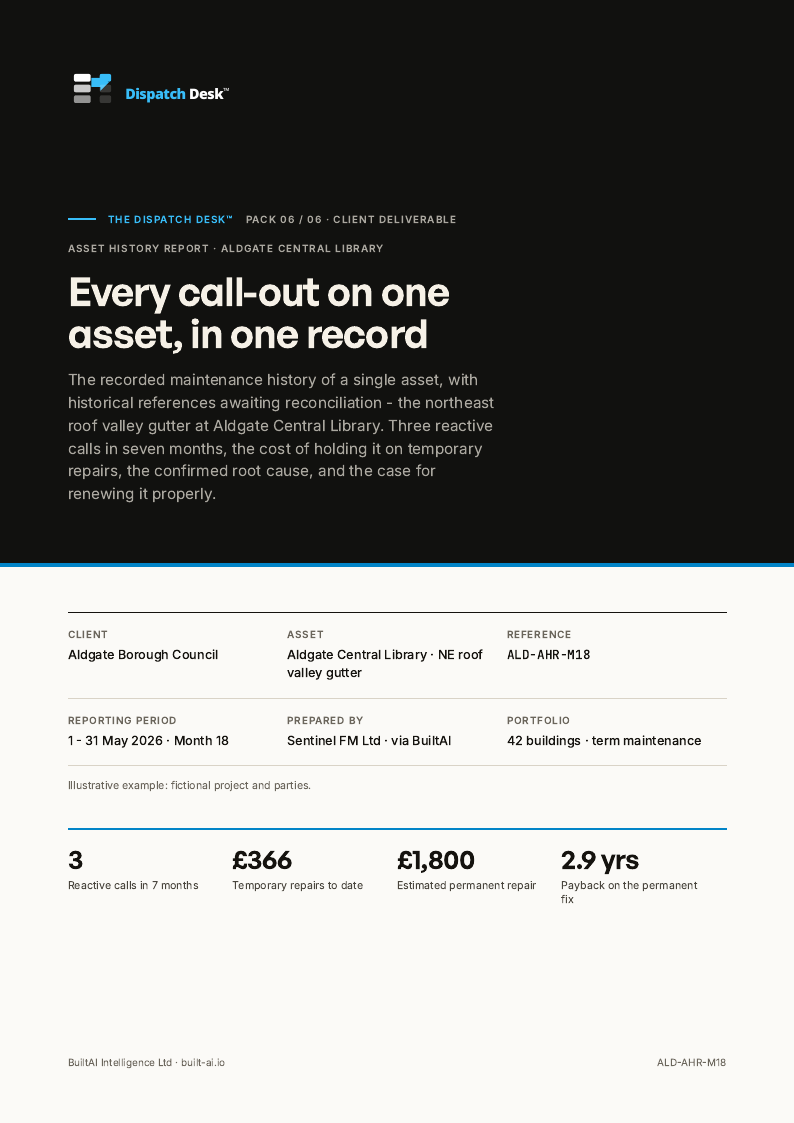
- Asset history report3 pages
Worked example on a sample contract: one reactive ticket on an FM estate, from call to defended SLA. The full documents are on the worked-example page, one link from the top of this one.
Open the worked exampleWho signs
The desk keeps the record. Your contract manager holds the line.
The desk keeps the record
The call, the priority rules and the asset history in; the works order, the engineer ticket, the SLA report and the defence pack out as drafts, from one record.
Your contract manager holds the line
Whether a ticket met its SLA, whether a deduction is owed and how to answer the client stay with your helpdesk lead and contract manager.
The closed ticket locks
Every ticket and report is recorded with who signed it. An edit after approval voids it and asks for it again.
The gates, by role
Stage 6 of 6 · Performance and deductions
Contract manager signs the report
Open the stage example
Stage 1 of 6 · Call capture and classify
Helpdesk agent confirms the record
Open the stage example
Stage 2 of 6 · Priority and SLA
Helpdesk lead confirms the priority
Open the stage exampleStage 3 of 6 · Dispatch-ready ticket
Helpdesk lead issues the ticket
Open the stage example
Stage 4 of 6 · Engineer routing
Dispatcher confirms the allocation
Open the stage example
Stage 5 of 6 · Diagnosis and completion
Engineer completes the record
Open the stage example
Where it runs
The desk brings your service workflow into The Plant Room.
Prepare and review service-request outputs with the people responsible for the work. Keep the job context, next action and review decision together.
The Plant Room →05 / Questions
Before we talk.
Questions teams ask about this pack. The 30-minute call covers the rest.
Does AI auto-triage tickets in production?
No. AI assists triage classification and surfaces tickets close to their SLA, but every P1 and P2 decision needs a human reviewer. Auto-triage is on the explicit list of things the AI does not do (see the AI disclosure).
How does this work with our existing service-desk tool?
The Dispatch Desk reads ticket metadata through an API or a read-only export from your CMMS or ITSM (FreshDesk, ServiceNow, Concept Evolution and others). We do not replace the ticketing tool; we add the triage discipline, QA scoring and SLA views on top.
What does the desk change first?
Triage decisions are taken against the contract's priority rules with the evidence on the ticket, and breach-risk tickets are visible before the SLA clock runs out. Movement in an SLA scorecard depends on the baseline and the client's scoring rules, so we do not put a figure on it.
Build a clearer route from first call to closed ticket.
Tell us about the deduction, the ticket record and where the response process gets held up. Arrange a 30-minute call to explore the next step.
How the commercial model works →