


Tenders and bids · For bid managers and estimators
BidRoom in a Box – cover more tenders with the bid team you have
BidRoom in a Box is BuiltAI's governed tender workflow for construction and M&E bid teams. It reads the tender pack and drafts the intake brief, requirements traceability matrix, clarifications register, pricing build-up and pre-submission checks. AI drafts; your estimator and bid manager review, approve and issue – nothing goes out without a named sign-off. Worked examples on this page use fictional projects; they are not client results.
The workflow
Tender pack in. A structured response for your team to review.
Five stages run in order, each one a gate. A named person on your side clears it before the next begins.


Stage 4 of 5 · Pricing
Cost Stack
Open the stage exampleStage 5 of 5 · Pre-submission check
Last Look
Open the stage exampleIntakeStage 1 of 5
Front Desk
The tender pack is read end to end: client, scope, deadlines, evaluation weightings and a bid or no-bid score.
Bid manager decides to proceed
Open the stage exampleTraceabilityStage 2 of 5
Roll Call
Every requirement is mapped to a section, an owner and its source clause, with open questions recorded for review.
Bid engineer confirms scope
Open the stage exampleClarificationsStage 3 of 5
Question Time
Ambiguities become a register of clarifications, assumptions and exclusions, reviewed before submission.
Bid manager issues them to the client
Open the stage examplePricingStage 4 of 5
Cost Stack
Materials, labour, plant, sub-let, prelims, risk and overhead built up from your rate cards and quotations.
Estimator sets the rates
Open the stage examplePre-submission checkStage 5 of 5
Last Look
Completeness, consistency and contractual safety, with every figure reconciled across the bundle.
Bid manager signs the submission
Open the stage example
What comes back
Five documents your client receives. One number they all agree on.
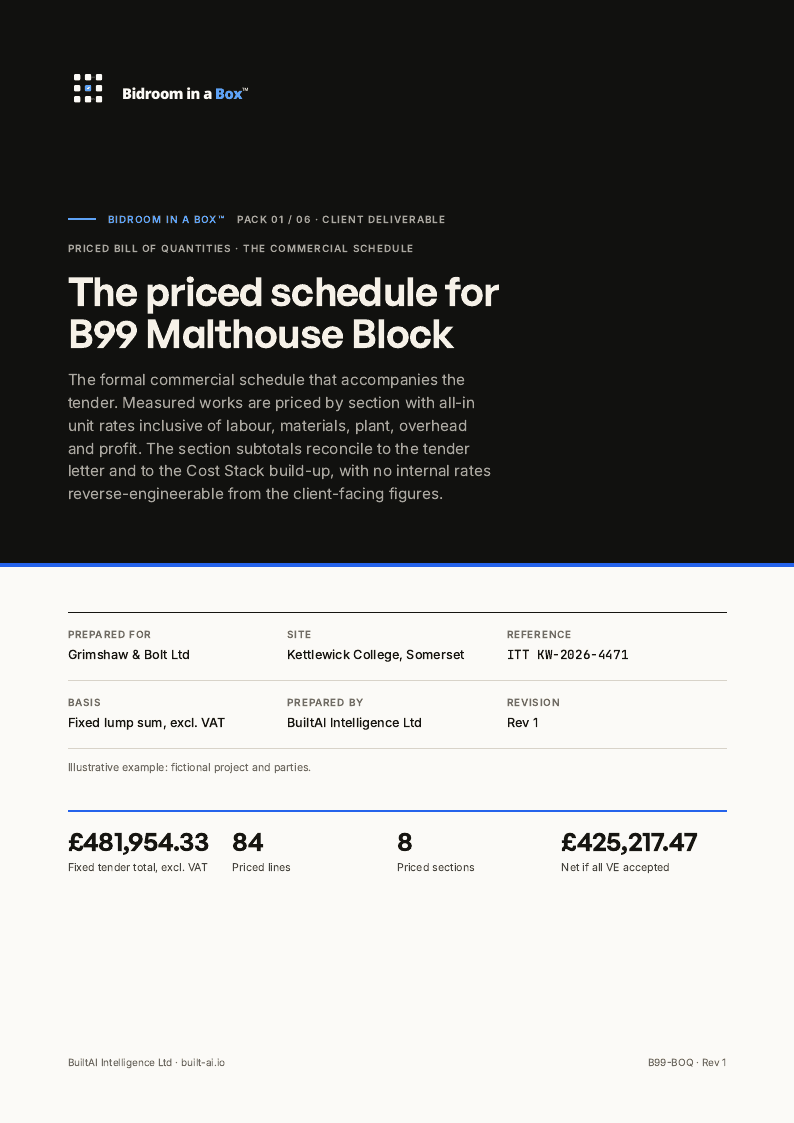
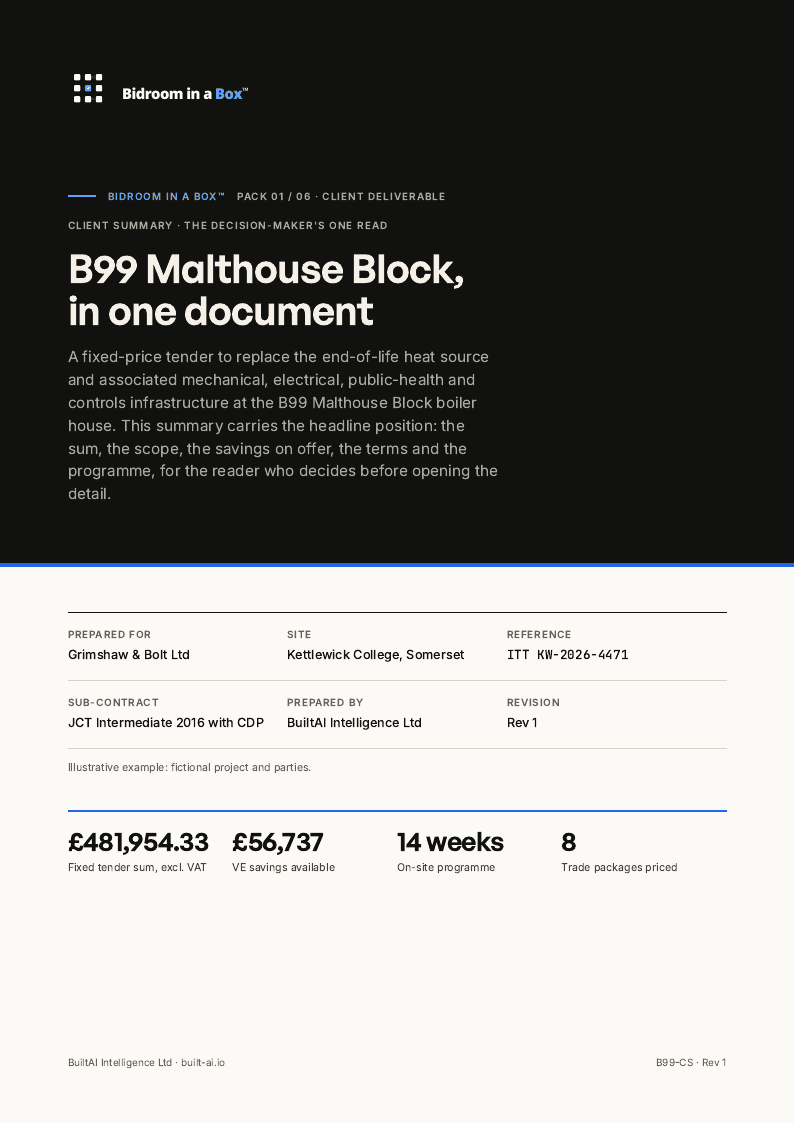
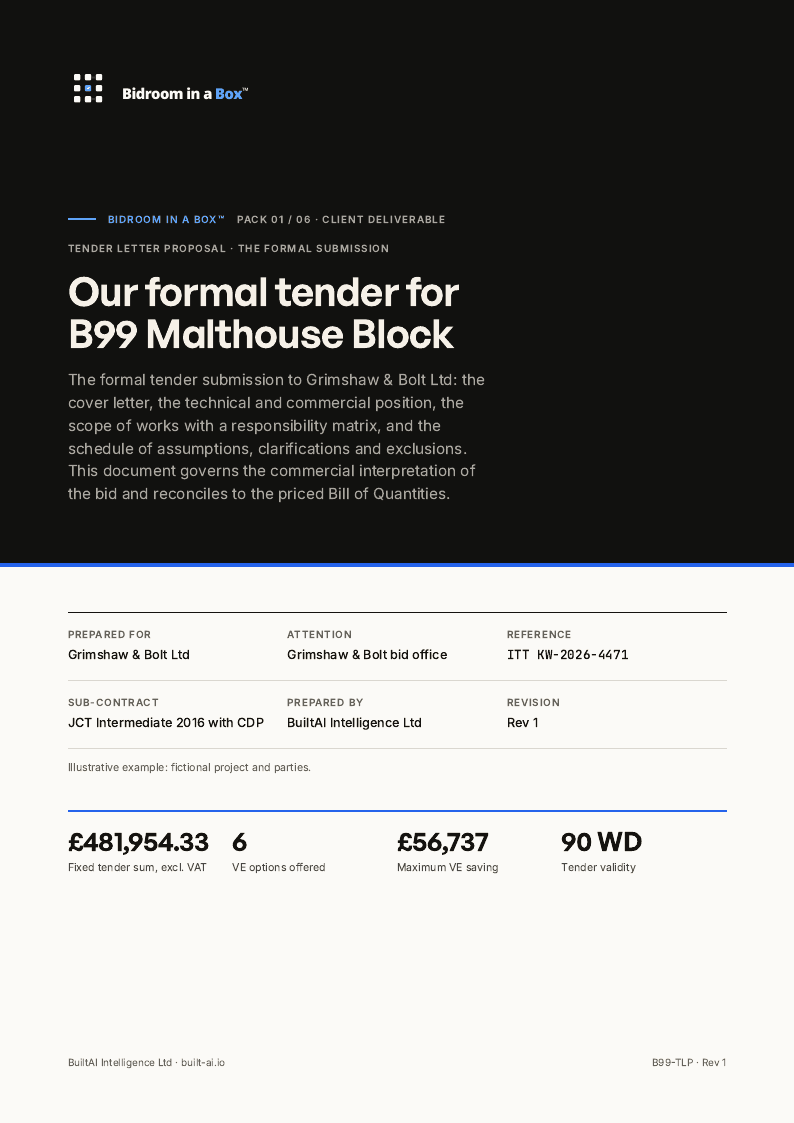
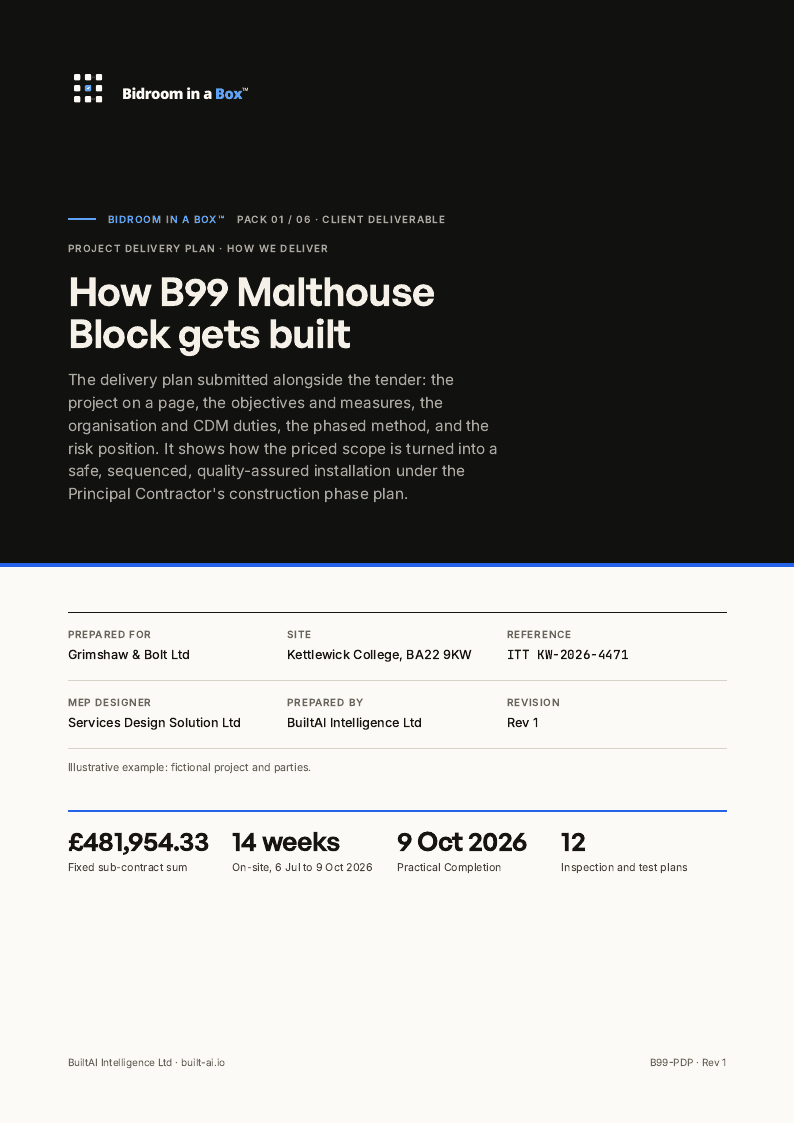
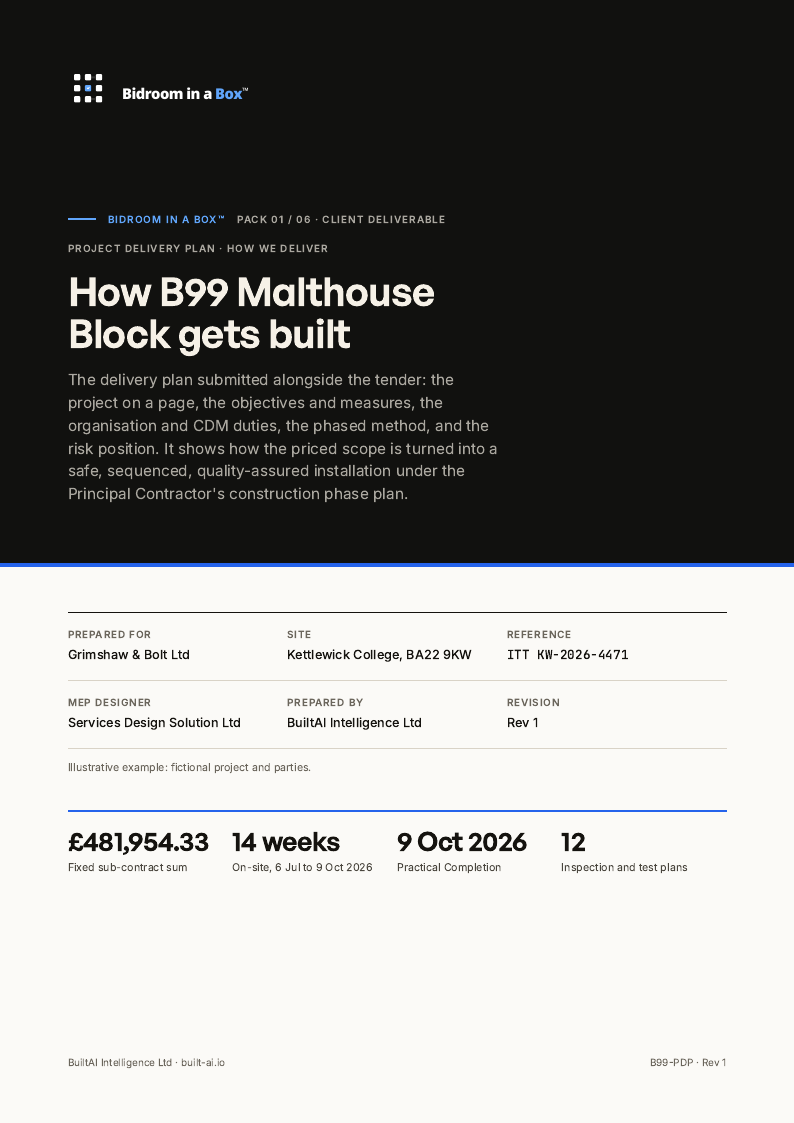
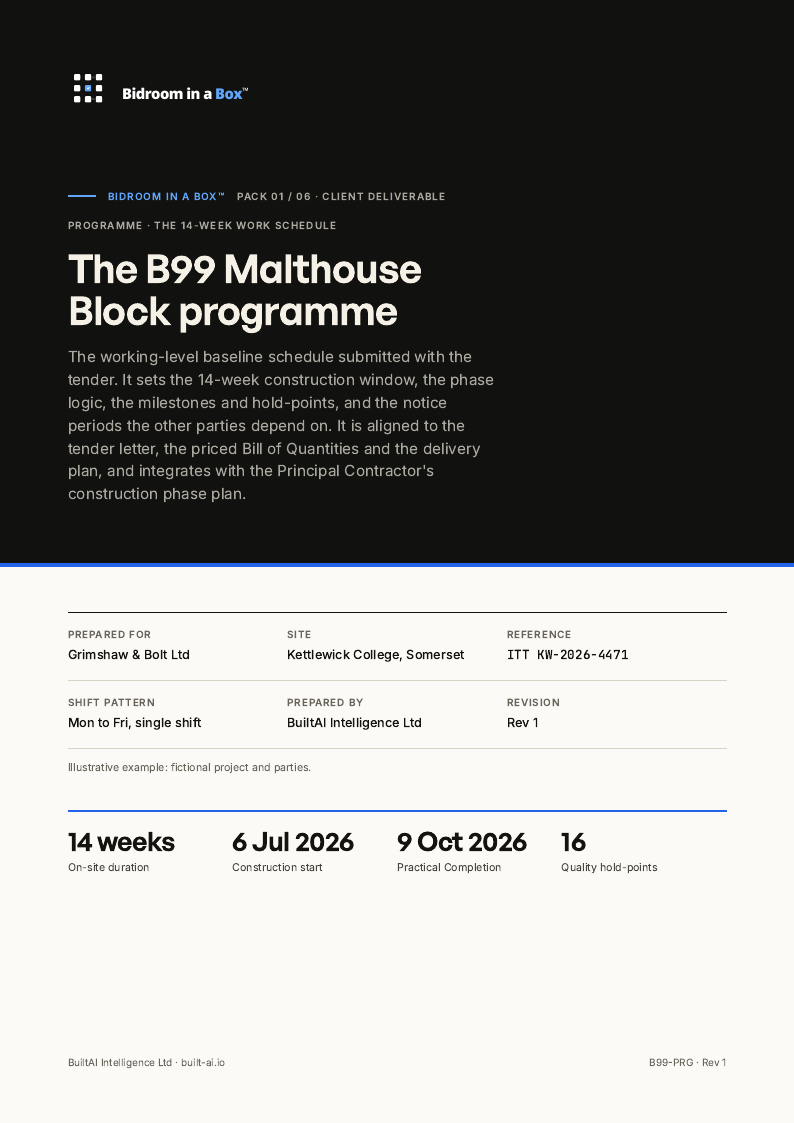
The summary, the letter, the delivery plan, the priced bill and the programme are drafted from the same traced requirements, so the tender total is the same on every page.
- Stages
- 05
- Documents
- 05
- Client-facing pages
- 15
Worked example on a fictional job.
Bidroom in a Box
Client-facing set · BAI-BIAB
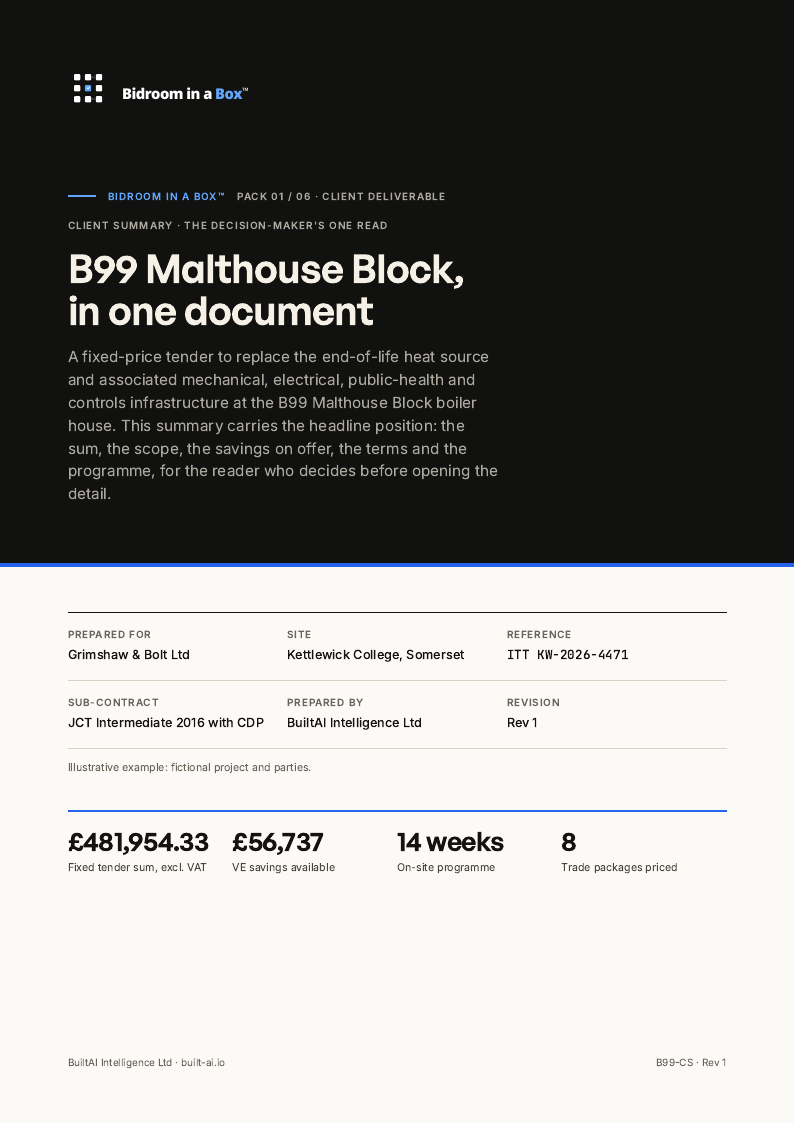
- Client summary3 pages
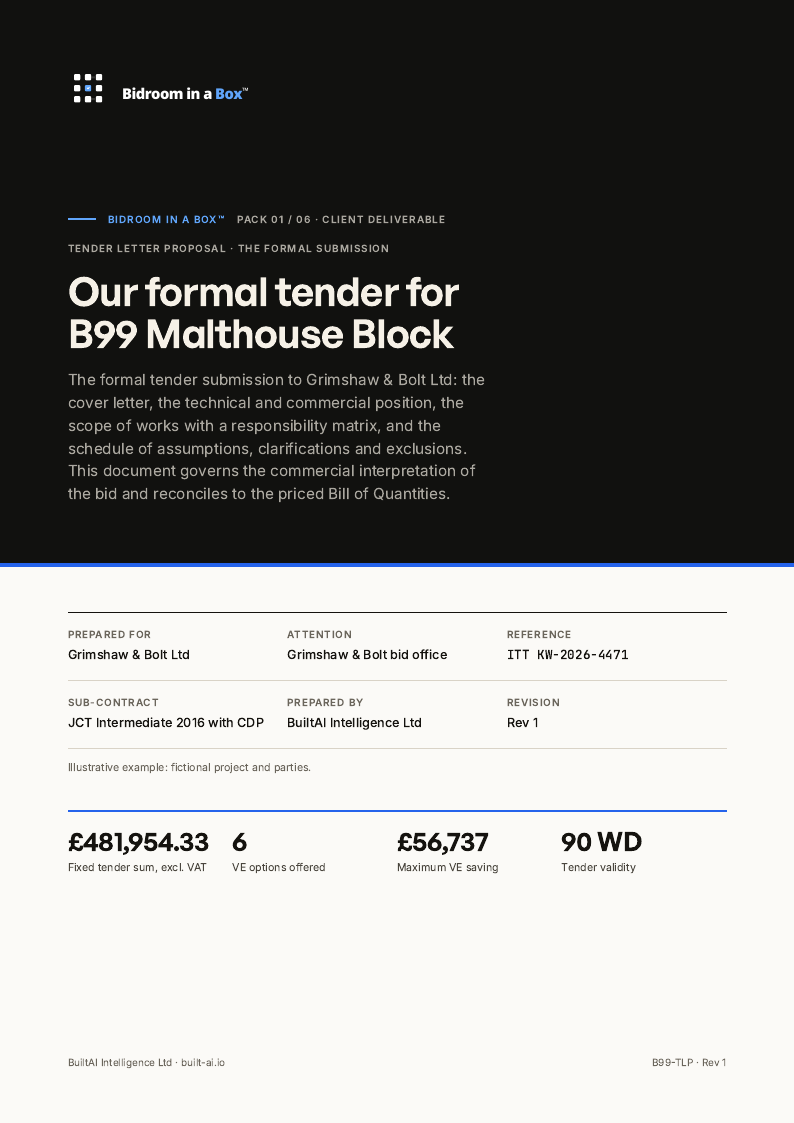
- Tender letter and proposal3 pages
- Project delivery plan3 pages
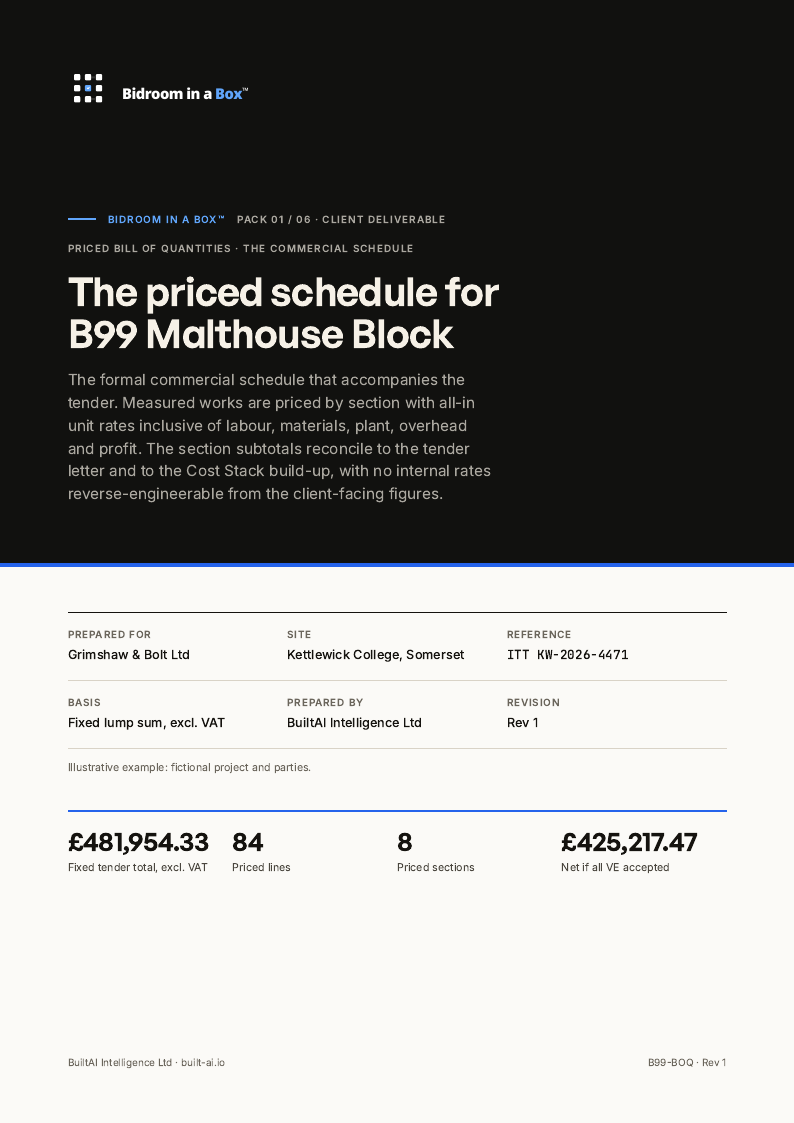
- Priced bill of quantities3 pages
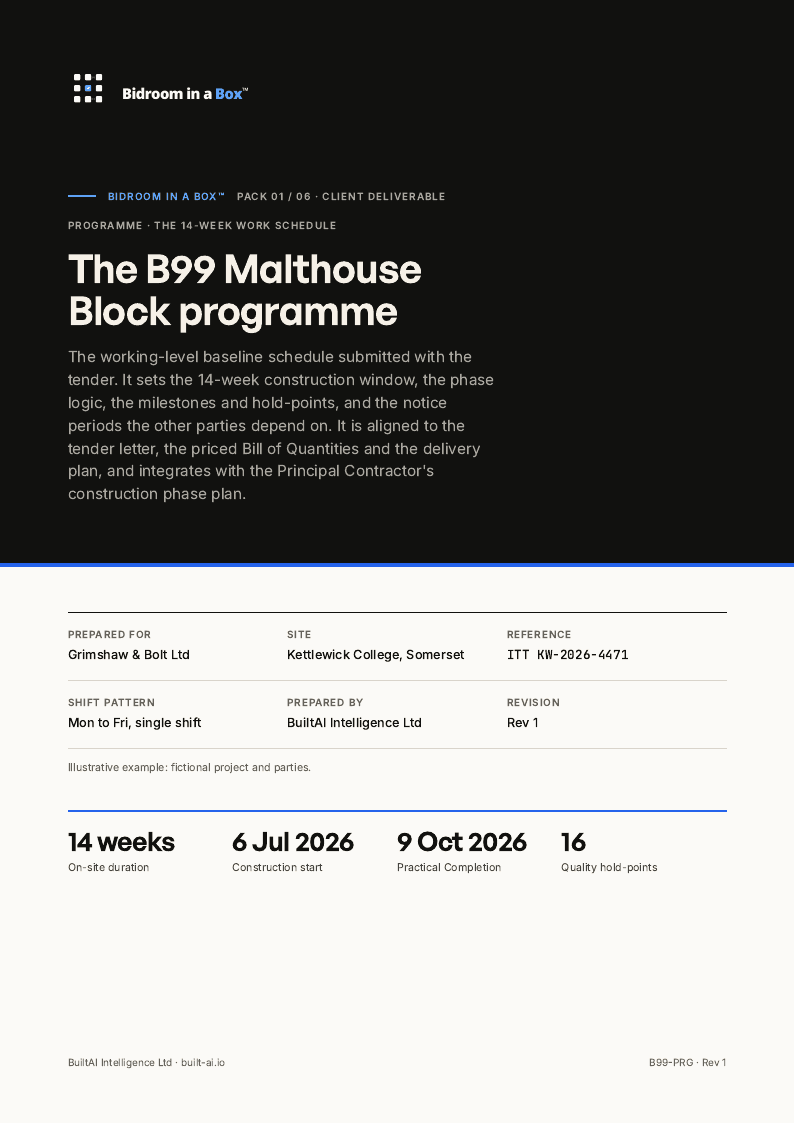
- Programme3 pages
Worked example on a sample tender. 15 client-facing pages. The full documents are on the worked-example page, one link from the top of this one.
Open the worked exampleWho signs
The pack drafts. Your people call the bid.
The pack reads and drafts
Tender pack, drawings, specification and evaluation criteria in; every bid document out as a draft, each claim traced to its source.
Your people decide
The bid or no-bid call, the rates you carry, the departures you accept and the win strategy stay with your estimator and bid manager.
The approved document locks
A named approval is recorded against the reference. Any later edit voids it and asks for it again, on the register.
The gates, by role
Stage 1 of 5 · Front Desk
Bid manager decides to proceed
Open the stage exampleStage 3 of 5 · Question Time
Bid manager issues them to the client
Open the stage exampleStage 5 of 5 · Last Look
Bid manager signs the submission
Open the stage example
Stage 2 of 5 · Roll Call
Bid engineer confirms scope
Open the stage example
Stage 4 of 5 · Cost Stack
Estimator sets the rates
Open the stage example
Where it runs
The pack runs in The Plant Room, stage by stage, gate by gate.
Your team sees each stage, who cleared it and what is next to run. The three client documents that follow pricing appear as their own stages, so the workspace shows eight.
The Plant Room →05 / Questions
Before we talk.
Questions teams ask about this pack. The 30-minute call covers the rest.
What is BidRoom in a Box?
BidRoom in a Box is a governed BuiltAI workflow pack that turns a tender pack into structured drafts – intake, requirement mapping, clarifications, pricing build-up and pre-submission QA – for your bid team to review, approve and issue.
Does BidRoom in a Box auto-submit tenders?
No. BuiltAI drafts and structures the work. A named person from your firm reviews, approves and issues every document. There is no auto-issue.
Who is BidRoom in a Box for?
UK estimators, bid managers and pre-construction teams in construction, FM and M&E who need controlled tender responses without losing commercial judgement.
How is BidRoom in a Box different from The Dealroom?
BidRoom in a Box is a tender and bid-preparation workflow pack. The Dealroom is a separate buy-side acquisition workspace. They serve different jobs.
Where can I see example outputs?
Open the BidRoom in a Box worked examples and stage documents on /example-outputs and the linked stage readers. The current samples use fictional projects; named customer proof requires permission before publication.
Build a clearer route from tender pack to submission.
Tell us about the tender, the submission deadline and where the bid team gets held up. Arrange a 30-minute call to explore the next step.
How the commercial model works →